Infographics maker
How it works
Use PosterMaker.co.uk to create your own infographics. Start with one of these infographic templates, then add text, images, icons, shapes, charts and your own colors.
Tips and Tricks
Some tips and tricks for making infographics on PosterMaker.co.uk:
- You can add text to your creation in any font and color you like, optionally with a stroke, drop shadow or background color. Even curved and warped text is available.
- You can find free images of your subject on Pexels, Pixabay and Unsplash.
- Save your work via File » Save (.poster). It saves a .poster file locally on your device that you can reopen for editing at a later time.
- If you want a different size infographic, set your own size via File » Image Size.
Blank infographics
Here are some blank posters that can serve as a starting point for a blank infographic.

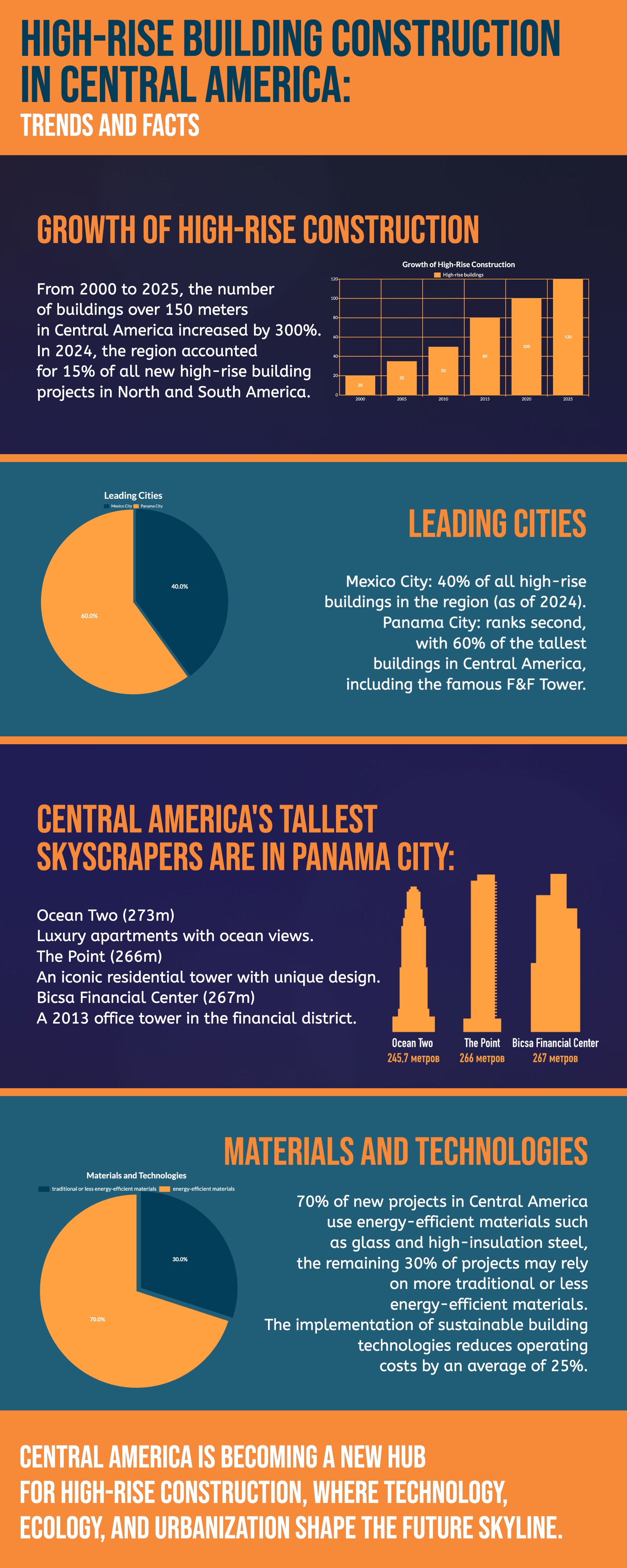
Buildings
Energy
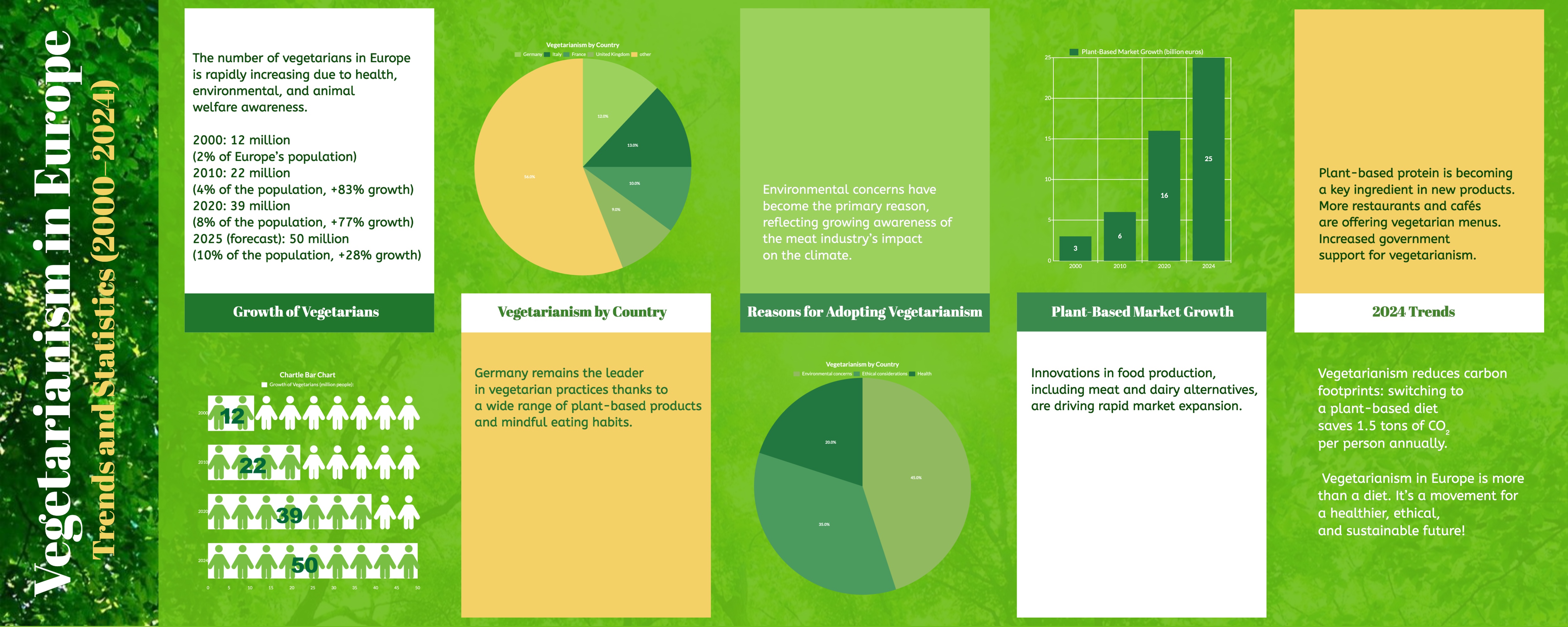
Vegetarian